 Bogo
Learn Korean from real clips. I designed it until a beginner could explain every screen back to me.
WavingTap him. 5 of 71 loops
 Live on the App StoreBogo: Learn Korean with Kdrama
01 Tap a word
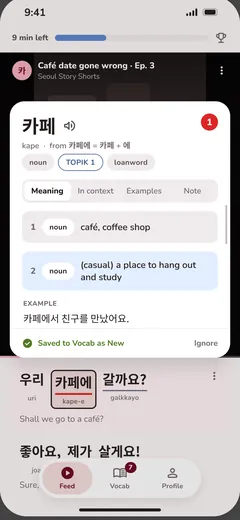
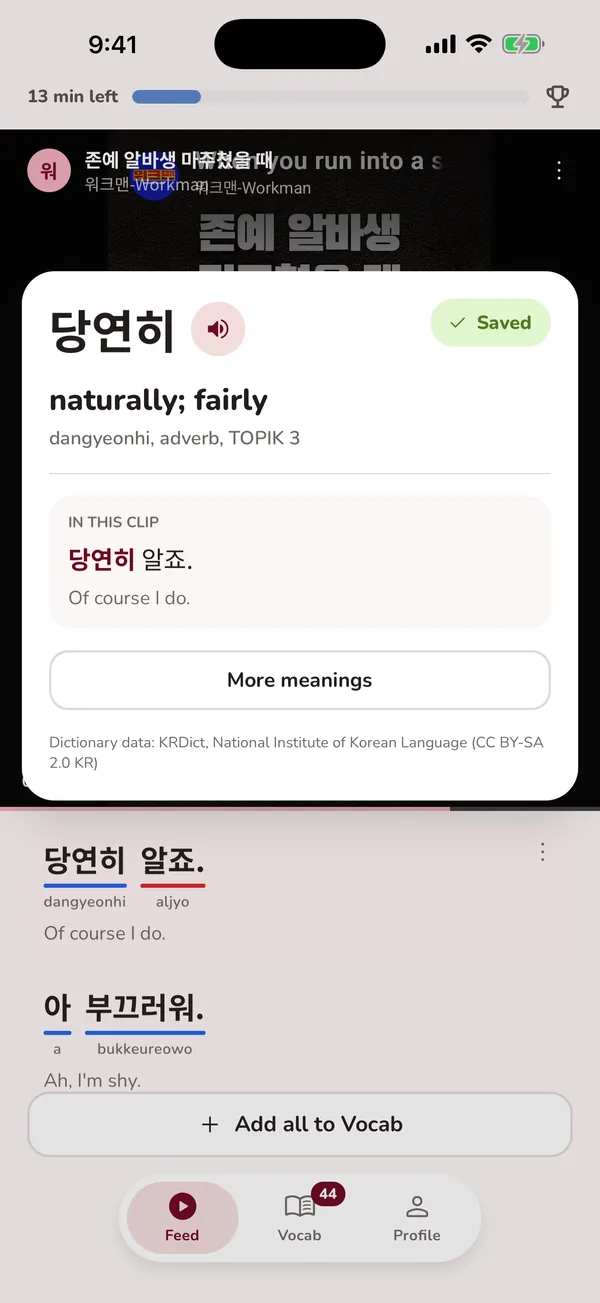
Short Korean clips with tappable subtitles. Tap a word and it is saved. Later, Bogo asks you about it.
Try
- Tap 카페에
- Tap Saved to undo
- Open More meanings
The app’s own sample clip and dictionary.
02 The first version copied Kiku
Kiku teaches Japanese and is built for people who already use Anki. I copied its review screen, then tried to explain it to someone who had never used a flashcard app. I couldn’t. Try both.
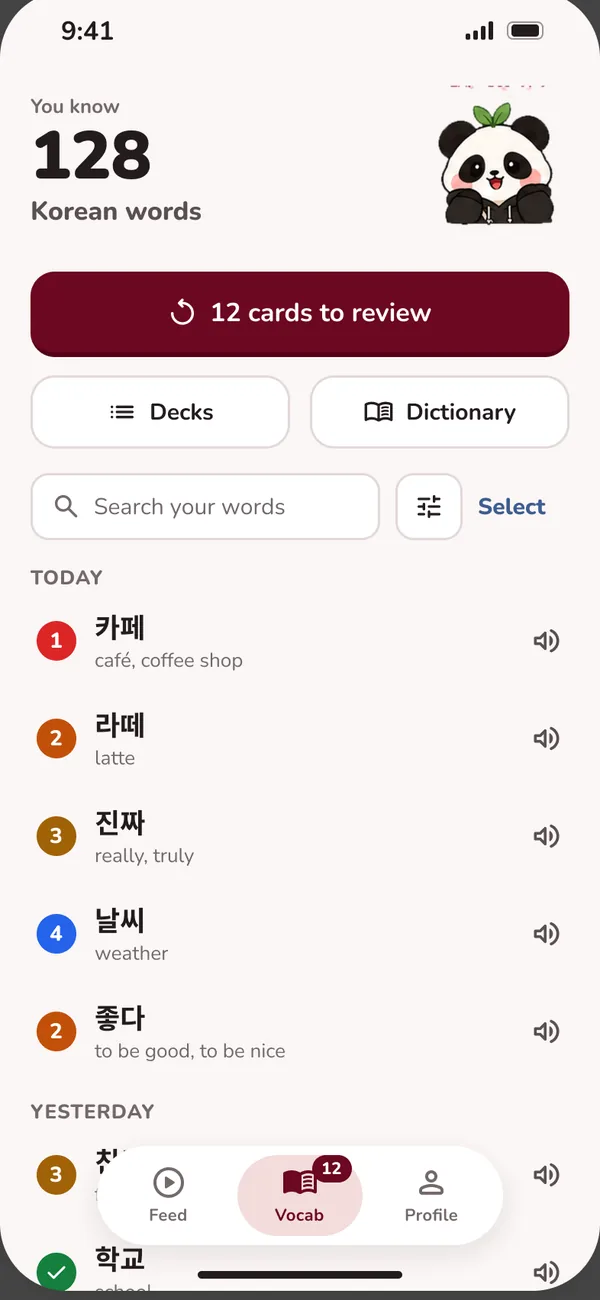
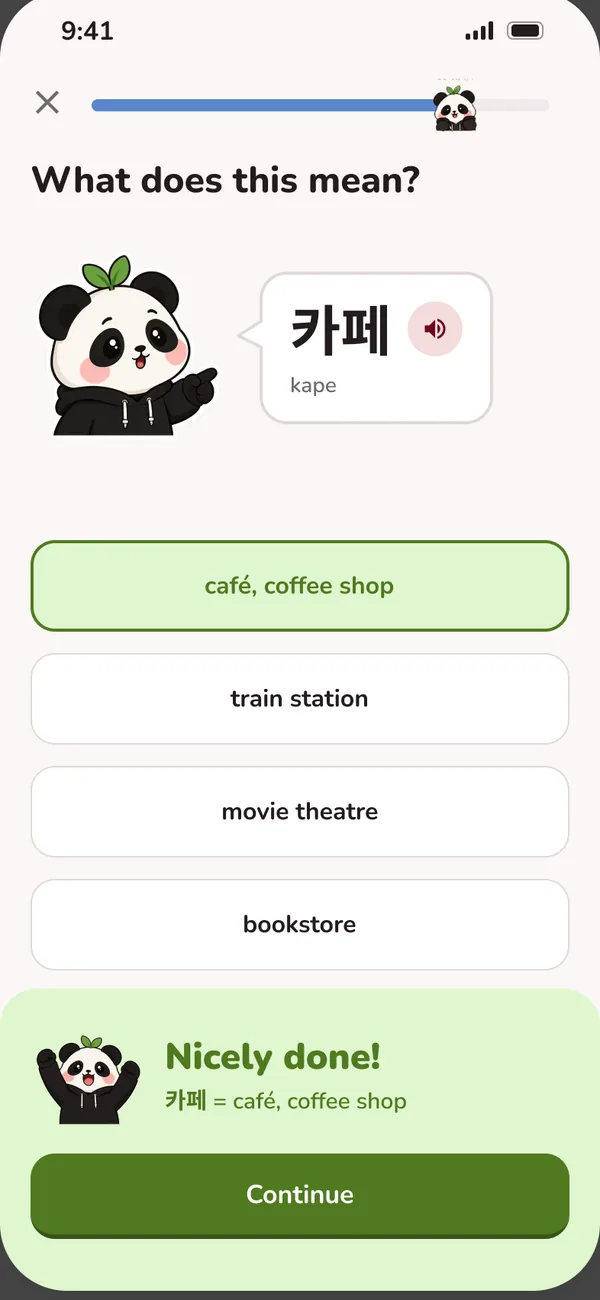
Start the review.
Tap the meaning you think is right.
Left: the retired Figma frames. Right: what shipped. The old one made you grade yourself.
03 One sentence per tab
If I couldn’t explain a tab in one sentence, it wasn’t done. Pick a tab.
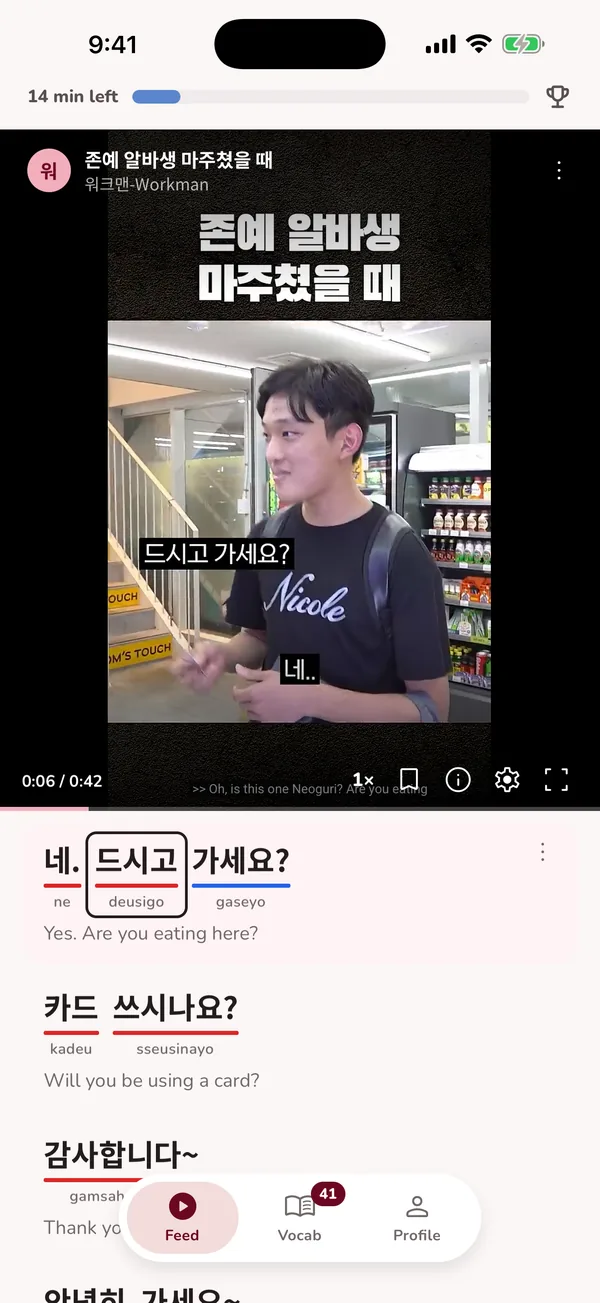
App Store screenshots. Rule 6 is about onboarding, in section 04.
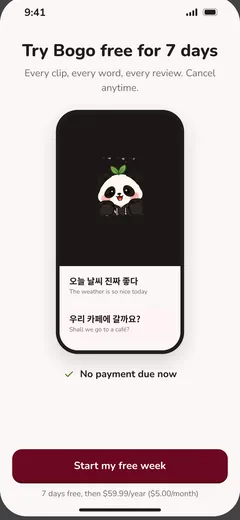
04 Nineteen screens became ten
Cut on 24 October. Flip the switch, then hover a cut screen to see why it went.
Real Figma frames. The 19 counts Apple’s subscription sheet (A18); the 10 doesn’t.
A cut has a cost: two later screens quoted the fluency goal
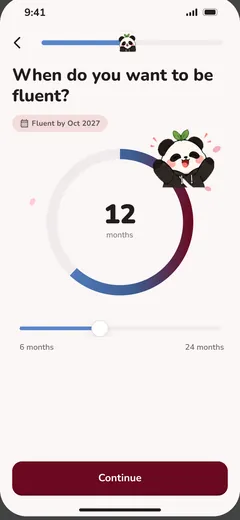
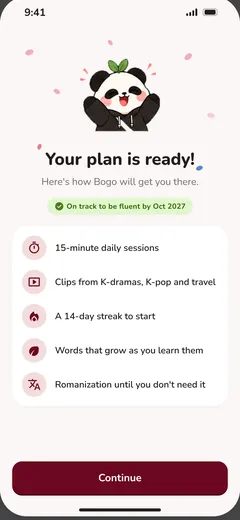
 No bar
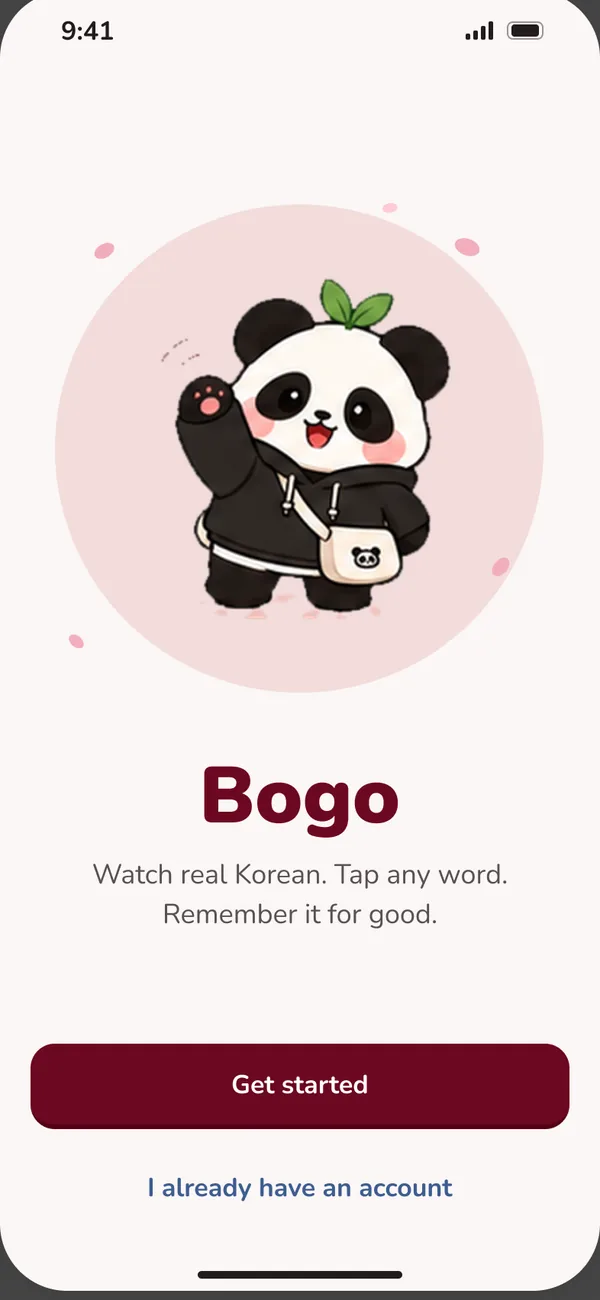
A2 Welcome
A deliberate nudge: two answers in, the bar is past halfway.
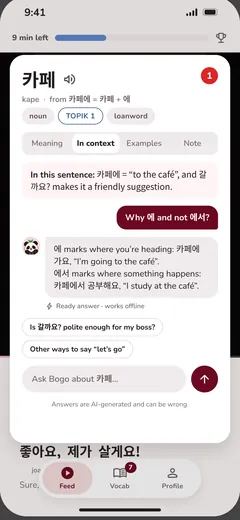 Ask Bogo
An AI chat in the word card that would have been a second product.
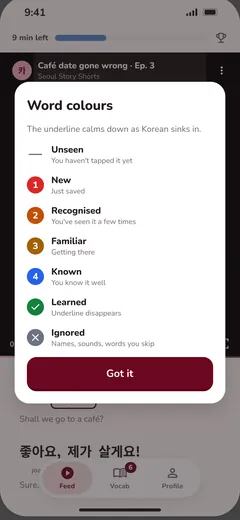 The colour legend
Seven states to memorise. The colours stayed.
 Four tabs and a status badge
Now: meaning first, one button.
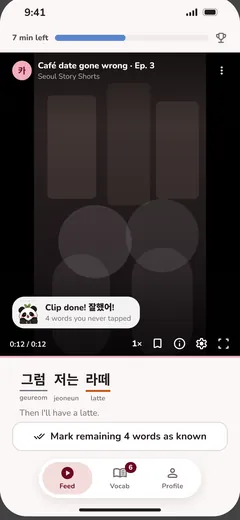 “Mark 4 words as known”
It asked you to grade yourself again. Practice decides now.
05 The scheduler you never see
FSRS still decides when each word comes back. Right counts as Good, wrong as Again. You only tap a meaning. This round runs the app’s own scheduler.
Turn on the switch to put the old interval labels back.
The right-answer ding climbs with your combo. Tap a step
06 Underlines that fade as you learn
Drag through eight weeks of the same sentence.
Red is new, blue is known, no line is mastered.
07 Sakura, the colour system
It replaced my first draft, which had copied Kiku’s colours. Every pair is checked for contrast, and the failures are written down too. Pick two.
카페 is now Known. Keep going and Bogo will bring it back now and then.
Any text, primary buttons.
From the docVerdicts in the design doc’s own words.
The only green in the brand is Bogo’s sprout, so green always means growing or correct.
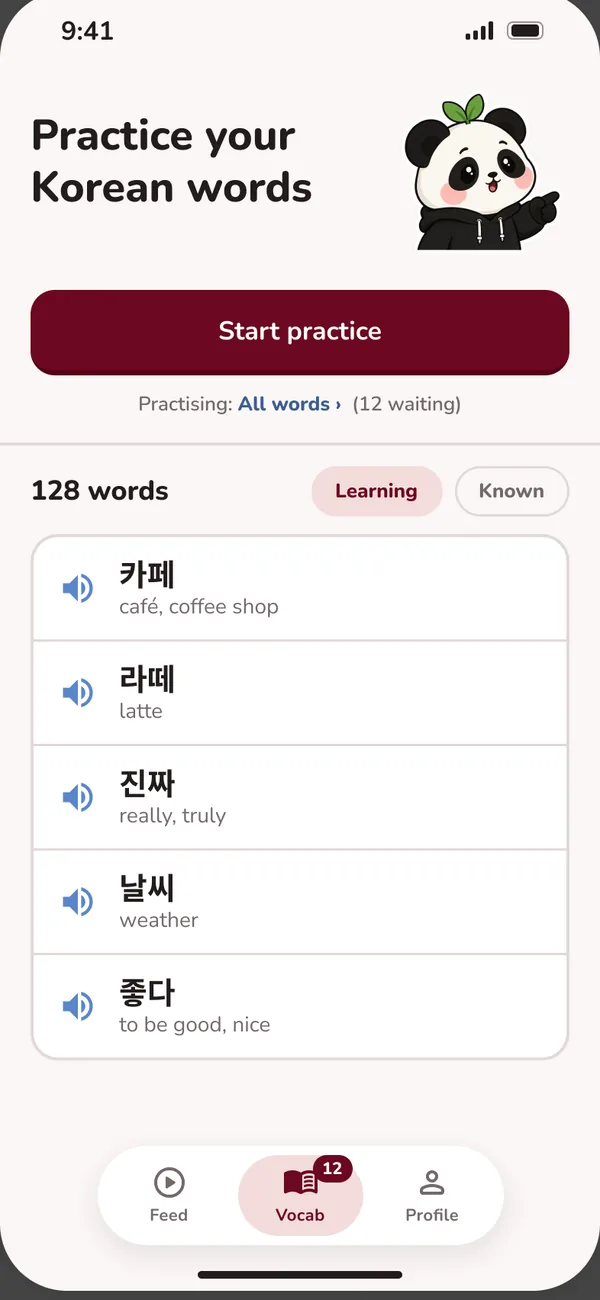
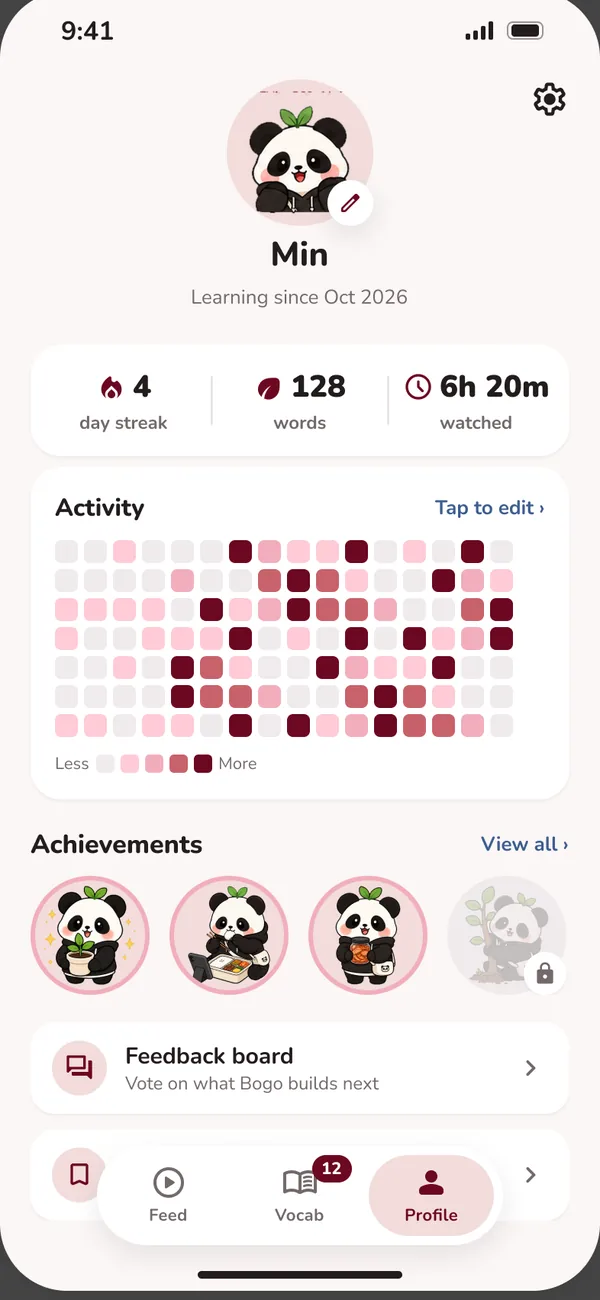
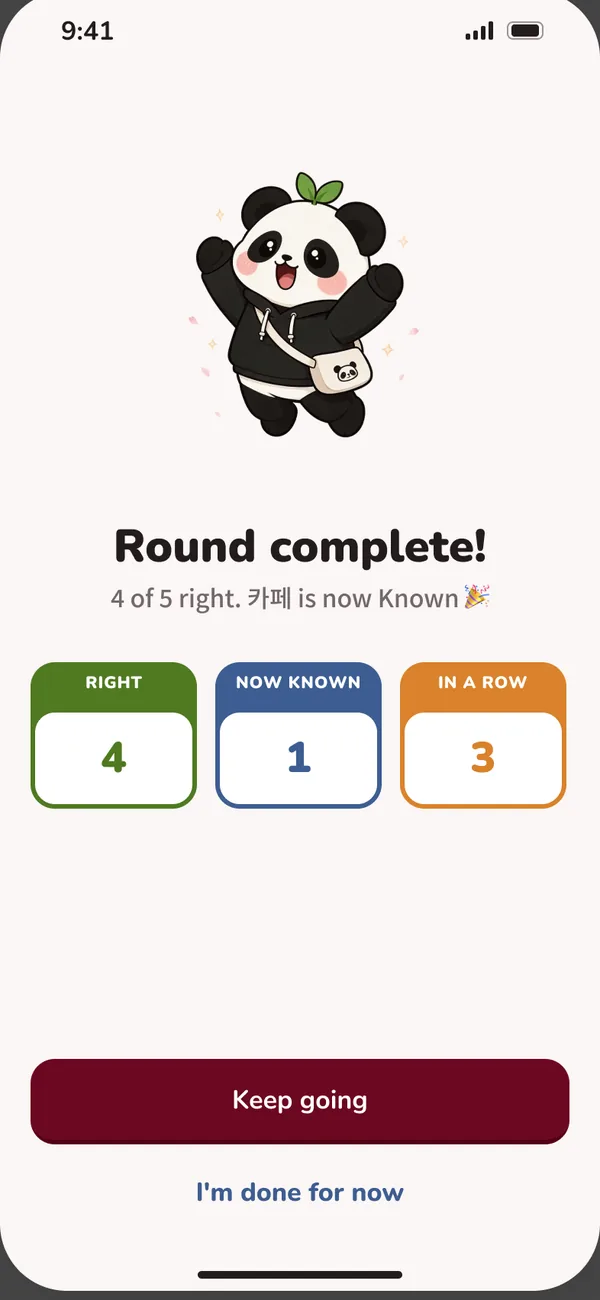
Measured from the real screens.
Tonal scales, generated in OKLCH so the steps look even. A dot marks a brand colour
One burgundy button per screen, at most.
08 Bogo, 71 loops
Every pose comes from one character sheet.
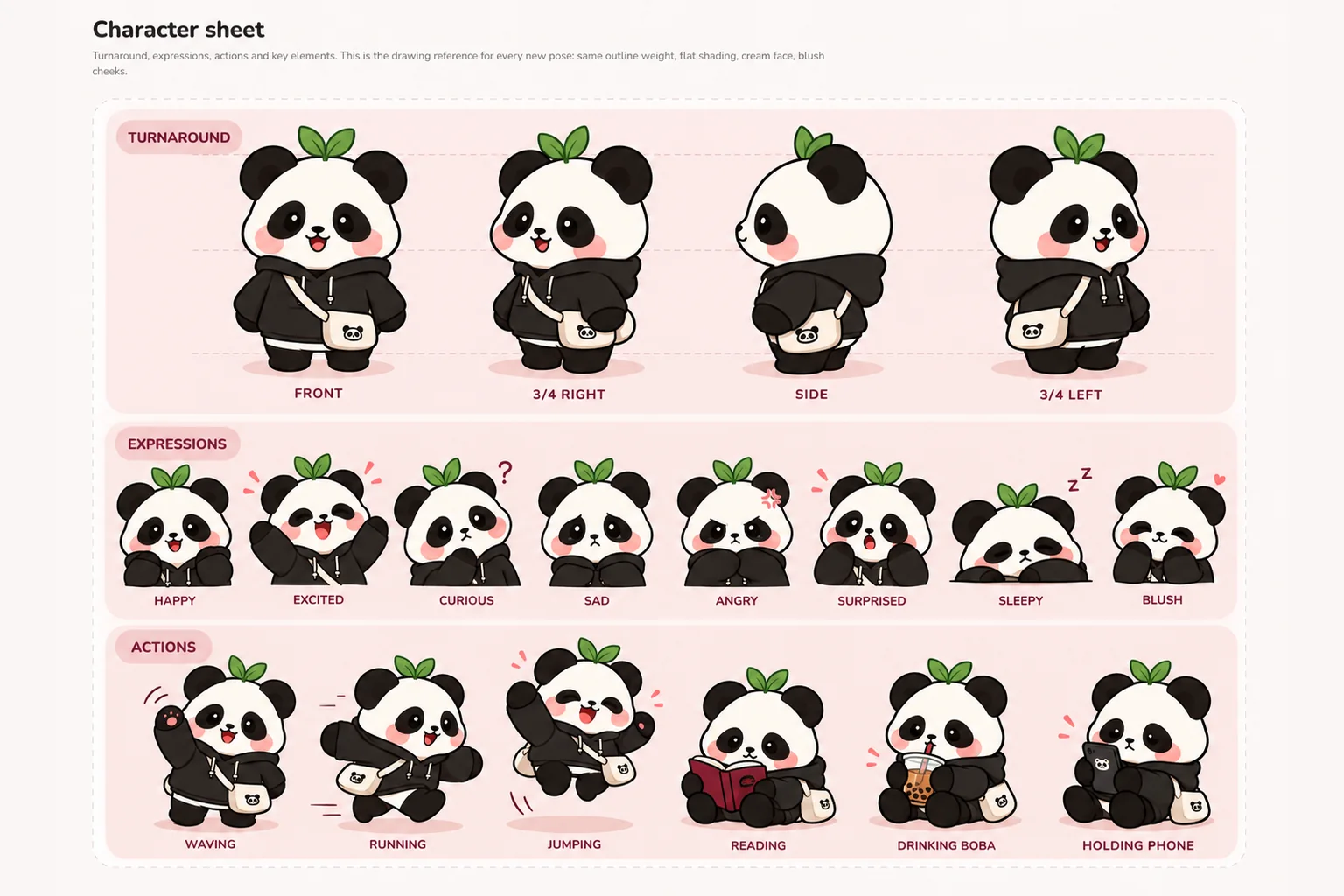
Then each pose goes through a pipeline I built to make it move.
 0 s
=
5 s
Never a green key: it would erase his sprout.
Seven cut-out parts on pivots. Replaced by the loops on 25 October: a rig can only bend what was drawn.
The bug: every video player on screen made the iPhone’s sound crackle
I wrote a small native module that draws the loops frame by frame (31 October).
Every sound and its takes. The marked take ships.
09 The decision log
92 decisions in 16 days. Hover a dot.
10 Who built what
Pranjal’s clip pipeline, following one line
All the AI runs here, before anyone opens the app.
11 What I would redo
I’d explain the first flow to a non-Anki user in week one, before building it. One conversation would have saved a rebuild. Copying a flow also copies its guesses about who uses it.